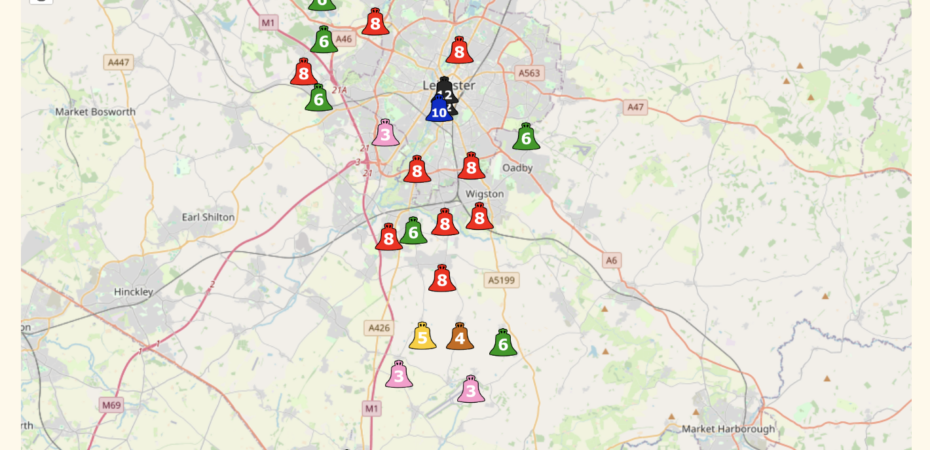
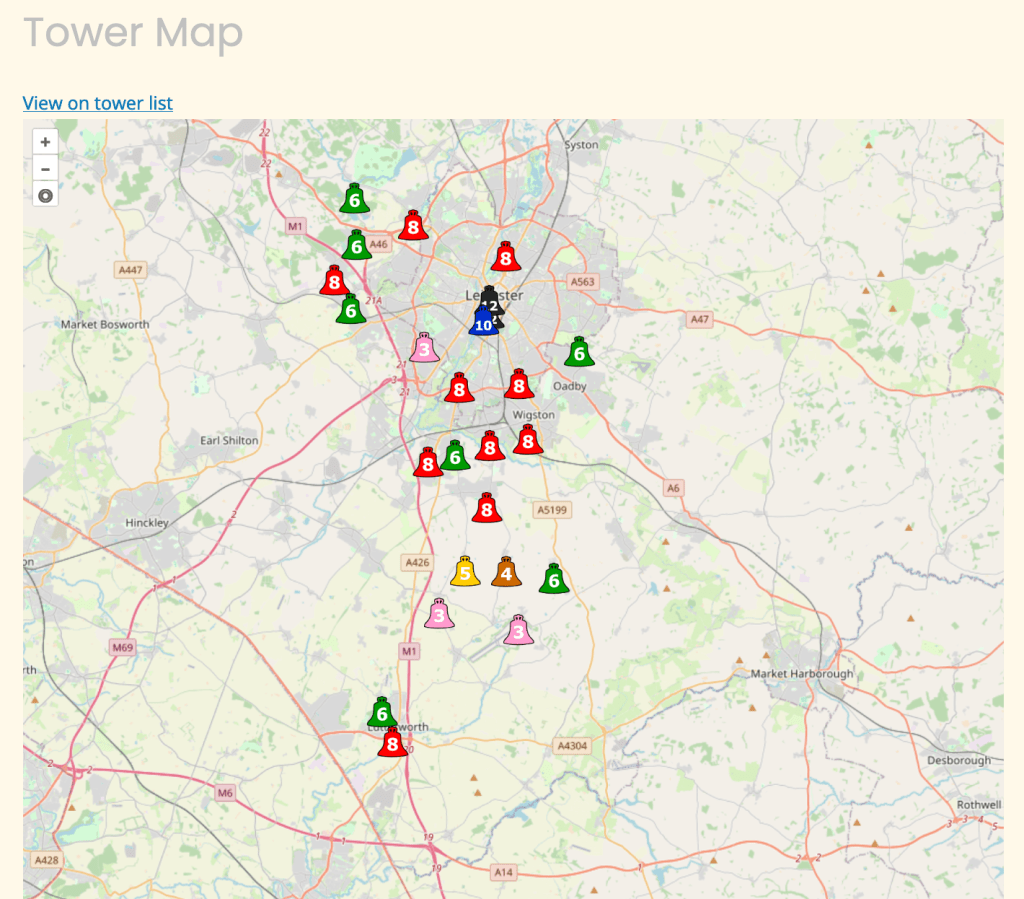
The latest update to the webpages are now online. The main feature that has gone live is the addition of maps to the towers pages. Each individual tower page has a map showing the location of the tower, and we also have an overall maps page. The menu item which was named “Towers” has been renamed “Bells” and drops down to two main pages: “Tower List” and “Maps”.
As well as being able to see all the towers in the Guild on the map, using the filters in the Towers List allows you to view the results on a map. (We are aware that at the time of writing, although all of the filters give the appropriate results in the list, this doesn’t always translate to the map view – work is in hand to fix this!)
Here is a complete list of the updates to the website:
Added:
- Individual tower pages have maps now
- dedicated map page which can be filtered from index page
- Basic tenor weight filtering
- Weight now comes with the value in lbs and kilos (rounded)
Changed:
- display of Sunday and practice fields
- Tenor note now uses musical symbols
- Access to ringing room: allows Unknown and Unknown steps
- Dove Websites to use a different link (and more towers have dove links). Same with felstead peals
- Tower information is more up to date (For all towers)
- Layout of table on tower information page is better suited for the content.
- towers/ will now take you to a 404 tower page instead of a 404 wordpress page.
Fixed:
- Sunday times are now visible
- Links don’t have a gap between them
- if tower didn’t have an image a post would take over the page.